Secure password manager
Lock every password.Only you hold the key.
Your passwords are locked on your device before they are saved. Attackers cannot read them, and neither can we.
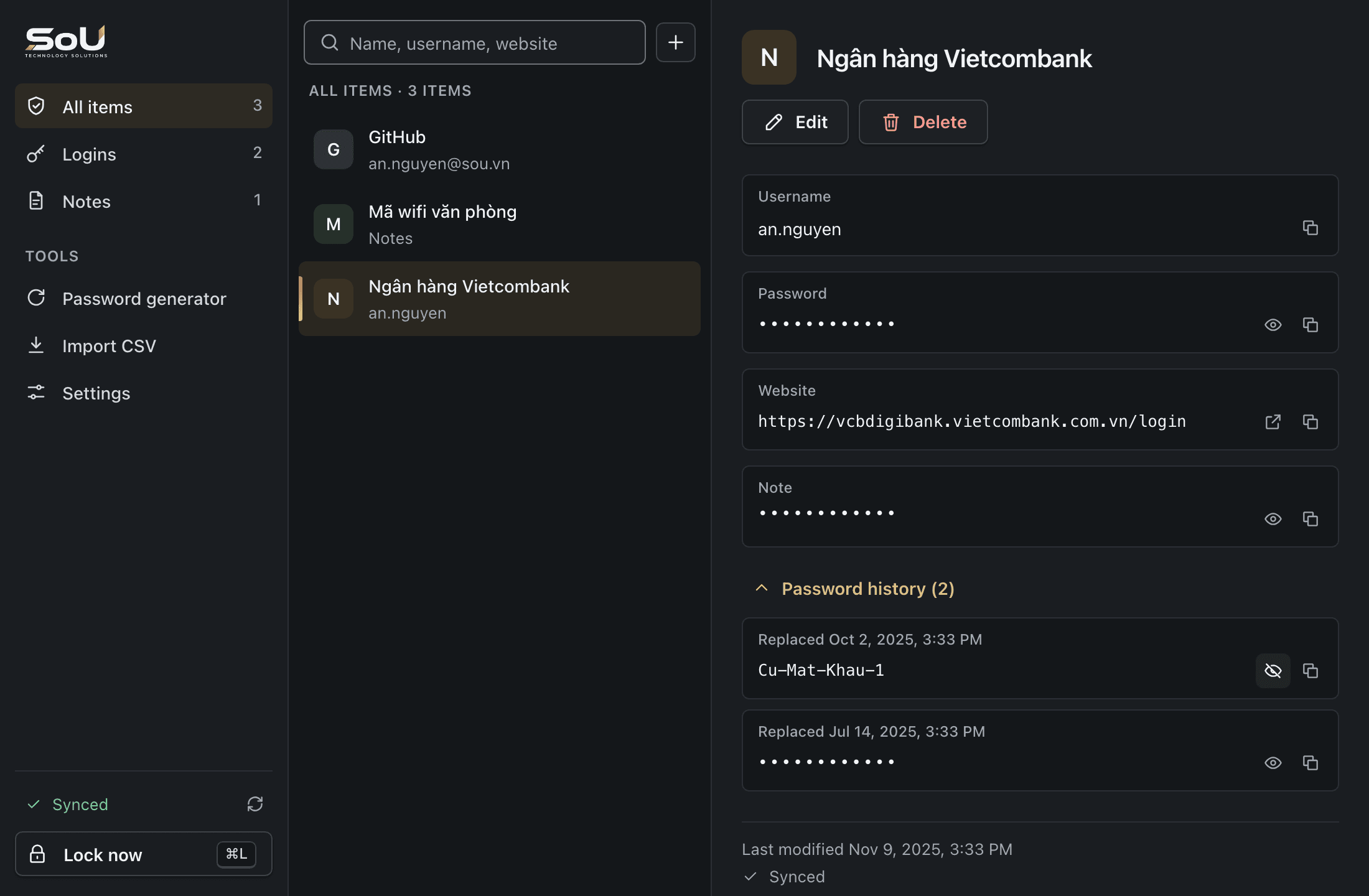
Locked before it leaves
Passwords are encrypted on your own device.
Only you hold the key
Your main password is never sent anywhere.
No tracking
No ads, and no data is sold.
AES-256 standard
The encryption banks rely on.
Where does your password go after you press save?
On your device
x7#Kp2!mQ9vL-4tZ
You save a password the way you always do.
Locked
Locked
The vault locks it with a key made from your main password, right on your device.
On our server
q9F2mX0vT1c8ZkR4yBnE7sLwJ3hUaP6dGiV5oCtN2xKfMzQ8
All we ever receive is this string of meaningless characters.
Illustrative data.

The only key is in your hands.
- Your main password never leaves your device. We do not know what it is.
- If our server is ever attacked, the attacker gets locked data only.
- Forgot your main password? Only your recovery code can reopen the vault. We cannot.
What attackers try. How the vault stops them.
The attacker
Builds a fake website to trick you into typing your password.
Your vault
The vault suggests logins only on the real domain. A fake site gets nothing.
The attacker
Finds one password, then tries it everywhere else.
Your vault
Every account gets its own long, random password.
The attacker
Sits down at your computer right after you walk away.
Your vault
The vault locks itself when you are not using the computer.
The attacker
Reads a password left behind in the clipboard.
Your vault
A copied password is wiped after 30 seconds.
Safe, without the hassle.
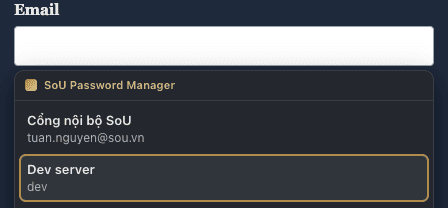
Sign in with one click
Click your account name and you are in. Nothing to type, nothing to remember.
A strong password in one second
Drag it. It would take a lifetime to guess, and you never have to remember it.
Very strong20 charactersCreated on your own device. Nothing is sent anywhere.
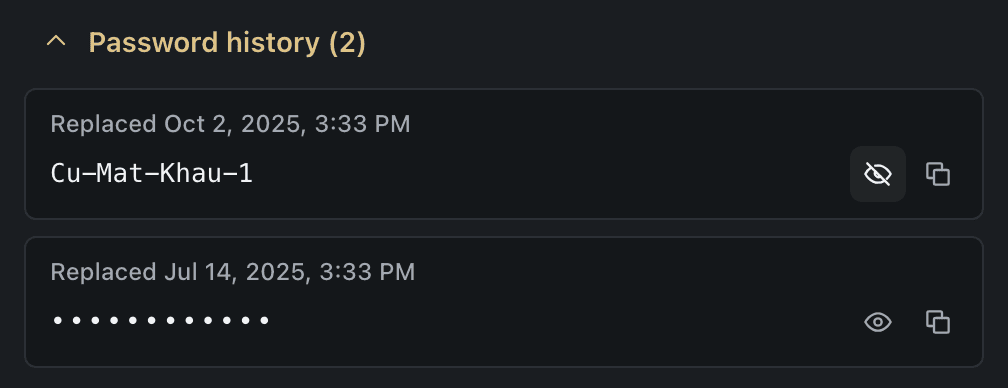
Changed the wrong one? Get it back
The vault keeps the last 10 passwords of every account.
On every computer, even offline
Your passwords live on each device and sync whenever you are online.
- Windows
- macOS
- Linux
- Chrome
- Firefox
Up and running in minutes
Download the app
Available for Windows, macOS and Linux.
Create your account
Choose a main password that is hard to guess and keep your recovery code somewhere safe.
Add it to your browser
Install the extension for Chrome or Firefox, then bring your old passwords over.
Frequently asked questions
Does it cost anything?
No. Right now every feature is free and no card is needed.
What if I forget my main password?
You receive a recovery code when you sign up. Use it to set a new main password. If you lose both, the vault cannot be opened again, and we cannot help either, because we never hold your key.
If your server is attacked, are my passwords exposed?
No. An attacker would get locked data only. Opening it takes your main password, which has never left your device.
My passwords are saved in Chrome or Firefox. How do I move them?
In the browser, export your passwords to a file. Open the desktop app, choose Import CSV and pick that file. Every account lands in your vault.
Can I use it on my phone?
Not yet. Today there are apps for Windows, macOS and Linux, plus extensions for Chrome and Firefox.
Lock up your passwords today.
Free. No card needed.
Desktop app
- Windows(Coming soon)
- macOS(Coming soon)
- Linux(Coming soon)
Browser extension
- Chrome(Coming soon)
- Firefox(Coming soon)